
Your product
in a better light
Create beautiful AI product photos, made to sell
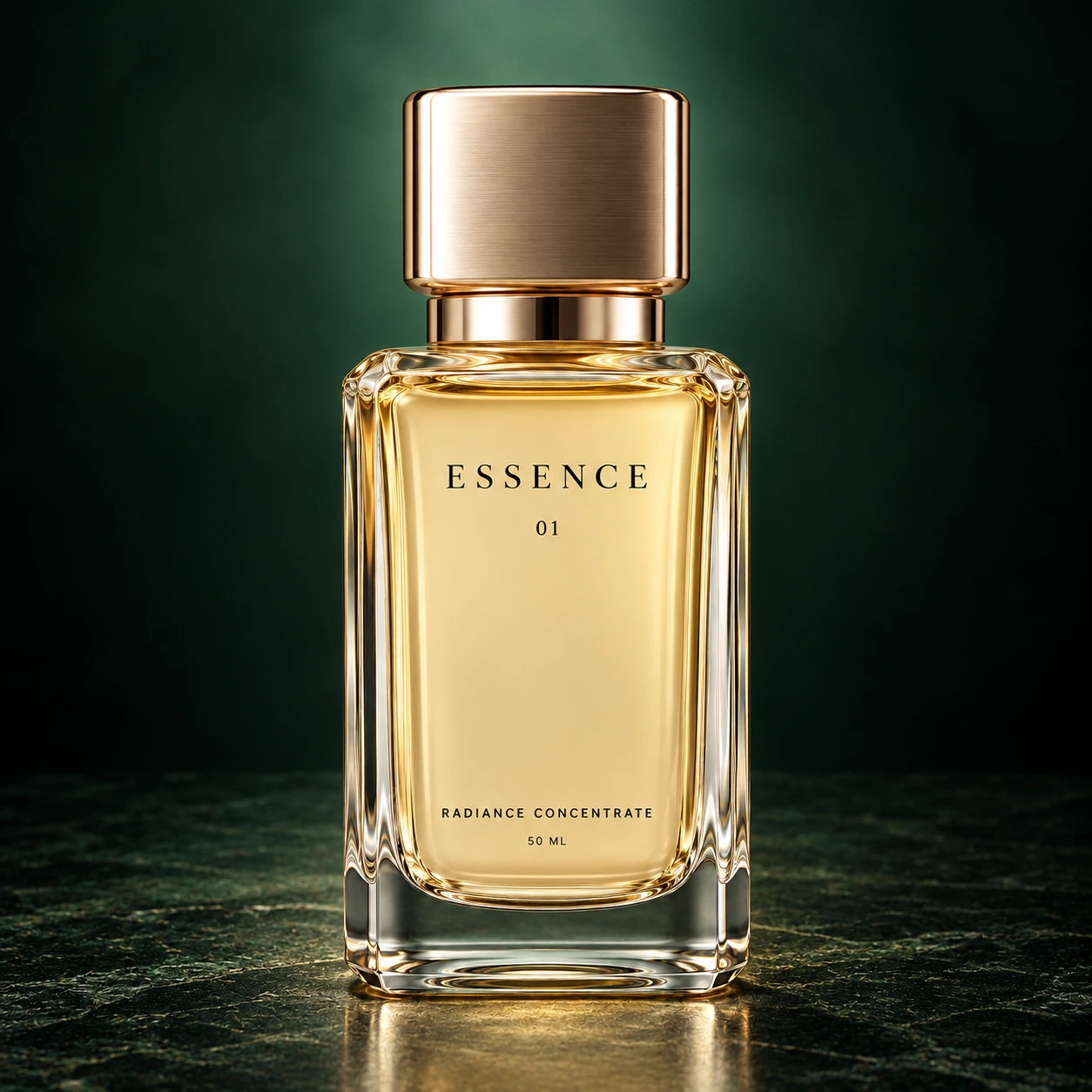
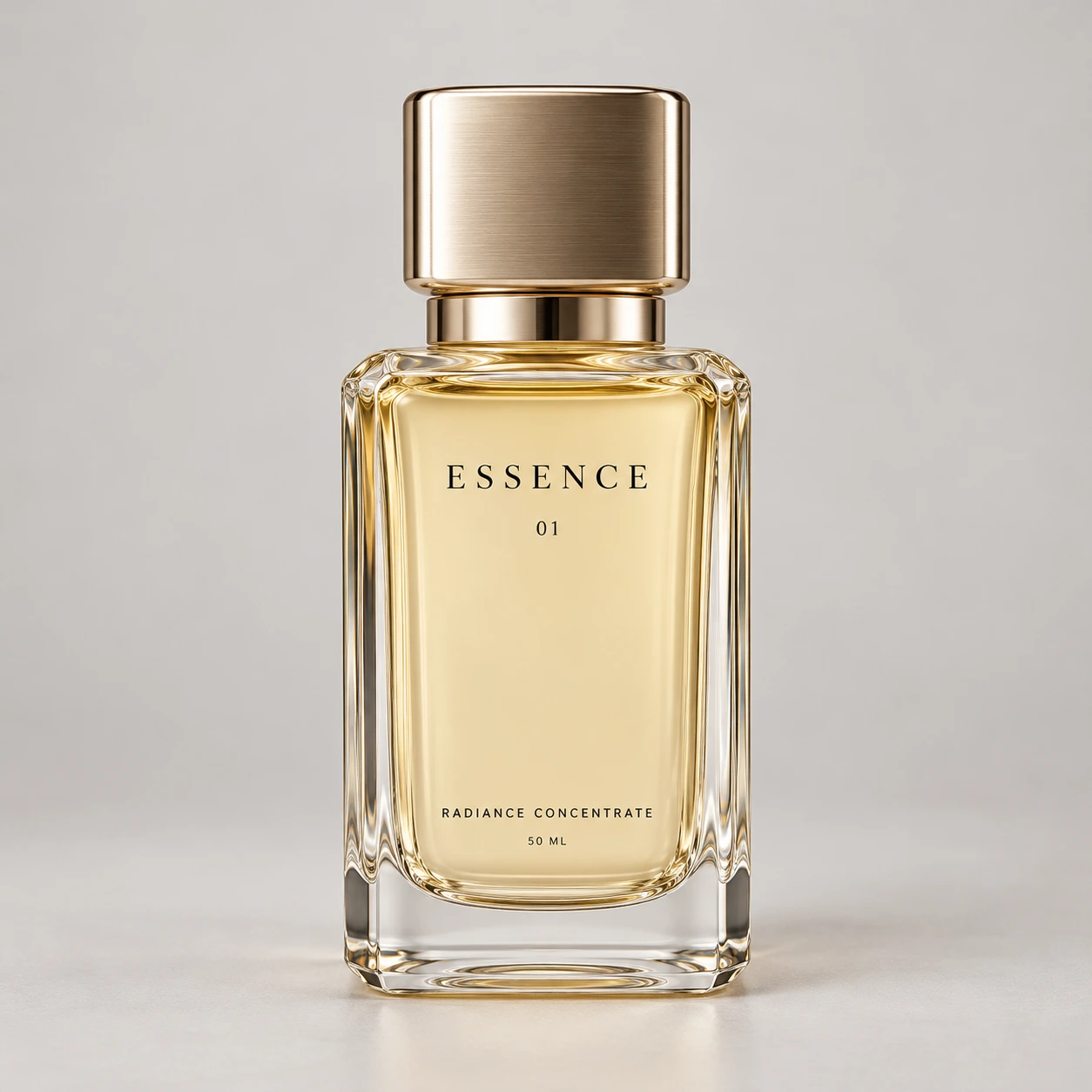
Find the right look for your product
A few simple steps to a new look
- 01
Bring your product
Upload a clear photo. Crop it and check the details that make it yours.
- 02
Choose the scene
Pick an original look, bring a reference, or describe something of your own.
- 03
Make it yours
Create a few versions. Refine your favorite, check it against the original, and download.
A few good questions
Before you begin
What kind of photo should I upload?
A clear JPG, PNG or WebP photo with the whole product visible. Good light and readable packaging give you a stronger starting point.
Do I need to write a prompt?
No. Choose a look and create your images. If you have something specific in mind, use Custom or add a reference image.
Can I change the result?
Yes. Open an image, choose Edit image and describe what to change. Your original and earlier versions stay available.
What about labels and product details?
Duug uses your original photos and reviewed packaging text as references. Check logos, lettering, color and shape against the original before publishing an image.